

What to Look for in a Gaming Laptop
GPU tier, display refresh rate, and cooling matter far more than raw CPU speed for most players.
At a glance: Gaming Laptops
Pros
- + Portable way to get desktop-class GPU performance
- + Higher refresh-rate displays make fast games feel noticeably smoother
- + Modern models support external monitors and eGPUs for a hybrid desktop/portable setup
Cons
- − Battery life while gaming is typically 1-3 hours regardless of the advertised rating
- − Thinner chassis designs often thermal-throttle the GPU under sustained load
- − Upgradability is usually limited to RAM and storage - the GPU is soldered in
Gaming laptops live and die by their GPU, not their CPU. A mid-range GPU paired with a mediocre CPU will still play modern titles well; the reverse is not true. Prioritize the graphics card tier first, then look at display quality - a 165Hz+ panel is genuinely noticeable in fast-paced games, while a 4K panel at 60Hz often is not worth the battery and price cost on a laptop.
Cooling and chassis size go hand in hand. Thinner "desktop replacement" laptops often throttle their GPU under sustained load to manage heat, so a slightly thicker chassis with better airflow can outperform a slimmer one with the same on-paper specs once you're 20 minutes into a session.
RAM and storage are the easiest things to get right: 16GB RAM is the practical minimum today, 32GB is worth it if you stream or multitask heavily, and a 1TB SSD saves you from constantly managing install sizes as modern games often exceed 100GB each.
Cooling and chassis size go hand in hand. Thinner "desktop replacement" laptops often throttle their GPU under sustained load to manage heat, so a slightly thicker chassis with better airflow can outperform a slimmer one with the same on-paper specs once you're 20 minutes into a session.
RAM and storage are the easiest things to get right: 16GB RAM is the practical minimum today, 32GB is worth it if you stream or multitask heavily, and a 1TB SSD saves you from constantly managing install sizes as modern games often exceed 100GB each.
Gaming deals
Gaming
at Best Buy
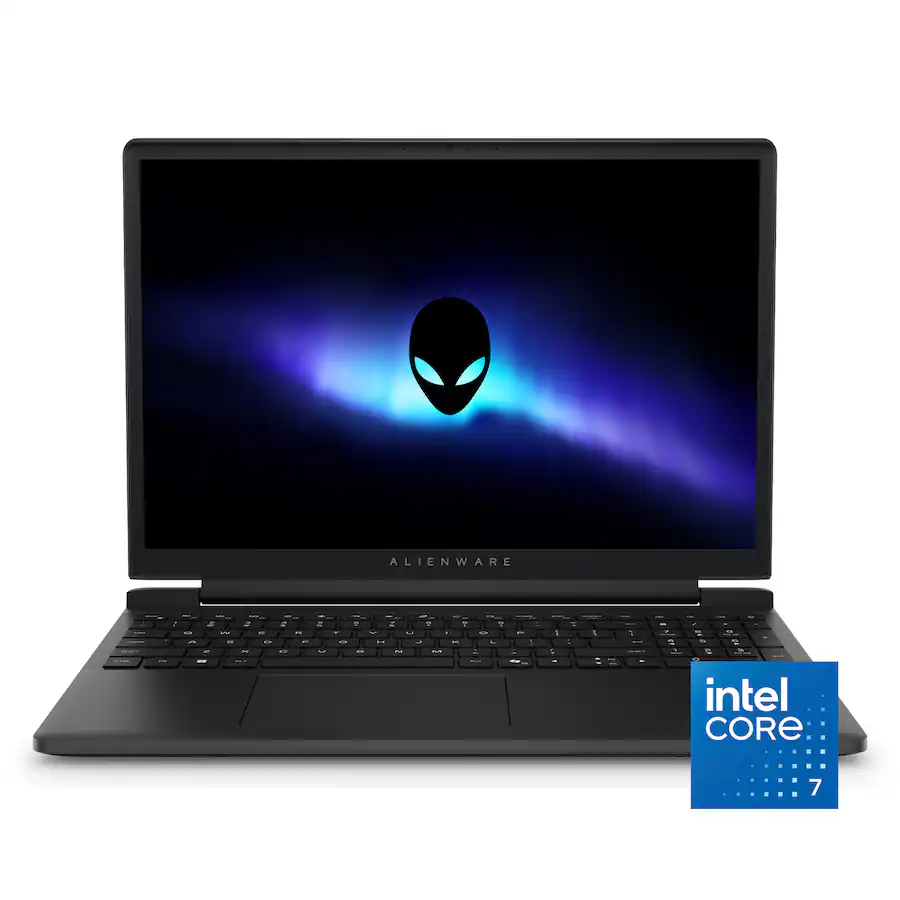
Alienware 15.3" Intel Core 7 240H FHD+ Gaming Laptop w/ NVIDIA RTX 4050
$999.99
Details
Posted 3 months ago
via TechBargains
Rated 2/5

Gaming
at Walmart
Gigbayte A18 AMD Ryzen 7 260 18" 2560x1600 165Hz Gaming Laptop w/ NVIDIA RTX 5060, 32GB RAM & 1TB SSD
$1,249.00
Details
Posted 3 months ago
via TechBargains
Rated 1/5
Gaming
at Dell
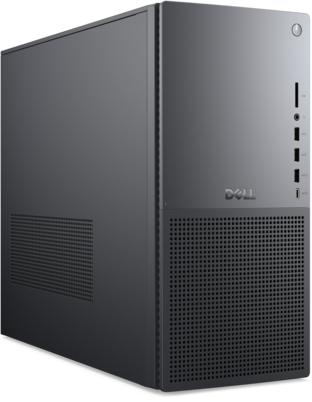
Dell Tower Plus Gaming Desktop — Core Ultra 7 265, RTX 5060
Mid-tier Dell build with a current-gen RTX 5060.
$1,399.99
Details
Posted 3 months ago
via TechBargains
Rated 1/5

PC Gaming
at Alienware
Alienware 15 AMD Ryzen 7 260 15" 1920x1600 165Hz Gaming Laptop w/ NVIDIA RTX 5060
$1,349.99
Details
Posted 3 months ago
via TechBargains
Rated 3/5

Gaming
at Eneba
$100 Xbox eGift Card (Digital Delivery)
$86.75
Details
Posted 3 months ago
via Slickdeals

PC Gaming
at Online
ABS Flux II Aqua Gaming PC: Intel Core 5 120, 16GB RAM, Arc A580 8GB, 1TB SSD
$599.00
Details
Posted 3 months ago
via Slickdeals